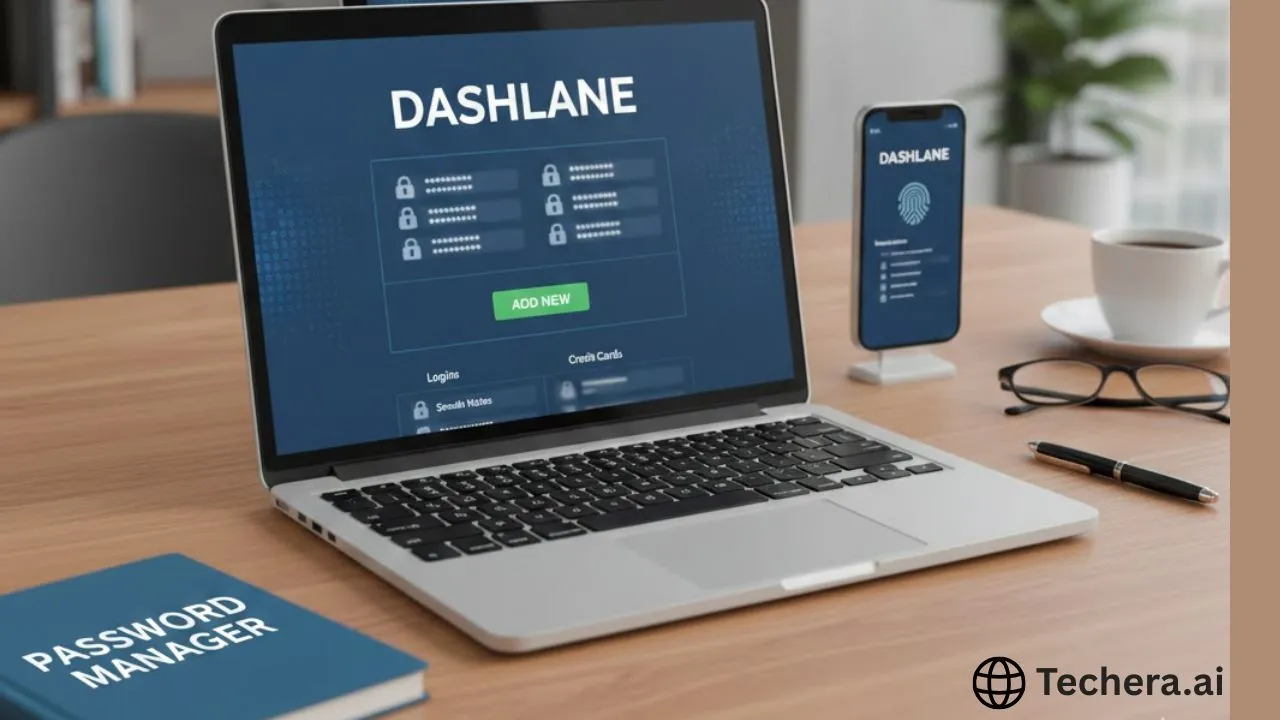
Dashlane Password Manager: Complete Guide for Beginners
Dashlane Password Manager offers beginners a user-friendly solution to securely store unlimited passwords, autofill logins across devices, and generate strong, unique credentials effortlessly. This complete guide covers easy setup, key features like the Password Health dashboard for spotting weak or reused passwords, Dark Web monitoring, and secure sharing for families. With AES-256 encryption, built-in VPN on premium plans, and intuitive apps for all platforms, Dashlane simplifies online security while starting at affordable rates around $3.33/month annually. Perfect for novices ditching password reuse habits.
Let’s be honest—remembering dozens of passwords feels like juggling flaming torches while riding a unicycle. That’s exactly why password managers like Dashlane exist. Dashlane Password Manager is a secure, user-friendly tool designed to store, manage, and protect all your passwords in one encrypted vault.
For beginners, Dashlane is like a digital bodyguard for your online life. It doesn’t just remember passwords—it creates strong ones, autofills login details, and keeps an eye on security threats behind the scenes.
Why You Need a Password Manager in 2026
If you’re still using the same password for multiple websites, you’re basically using one key for your house, car, and office. One leak, and everything’s exposed.
A password manager helps you:
Create unique passwords for every account
Store them securely
Log in instantly without remembering anything
In 2026, cyber threats are smarter, faster, and more aggressive. Using a password manager like Dashlane is no longer optional—it’s essential.
What Makes Dashlane Different From Other Password Managers
Dashlane stands out because it combines simplicity with powerful security. While many tools focus only on password storage, Dashlane goes further with features like dark web monitoring, built-in VPN (on premium plans), and real-time security alerts. Think of Dashlane as not just a vault, but a full security assistant watching your back 24/7.
Understanding How Dashlane Works
At its core, Dashlane works by encrypting your data locally on your device before it’s ever stored or synced. Only you can unlock it using your master password.
Once set up:
Dashlane saves your login credentials
Autofills them when needed
Generates strong passwords on demand
Syncs securely across devices
All of this happens quietly in the background, making your online experience smoother and safer.
Dashlane securely stores your usernames and passwords, then autofills them when you visit websites or apps. No more typing, no more guessing.
2. Password Generator
Weak passwords are a hacker’s favorite snack. Dashlane’s password generator creates long, complex passwords that are practically impossible to crack.
3. Secure Notes
Need to store sensitive info like Wi-Fi passwords, ID numbers, or recovery codes? Dashlane’s secure notes feature keeps them encrypted and accessible only to you.
4. Dark Web Monitoring
Dashlane scans the dark web for leaked credentials linked to your email address and alerts you instantly if something’s compromised. It’s like having an alarm system for your identity.
Dashlane Security Architecture
Zero-Knowledge Encryption
Dashlane uses a zero-knowledge model, meaning even Dashlane itself cannot see your data. Only you hold the keys.
AES-256 Encryption Standard
This is military-grade encryption trusted by banks and governments worldwide. In simple terms—it’s rock solid.
Zero-Knowledge Encryption
This is military-grade encryption trusted by banks and governments worldwide. In simple terms—it’s rock solid.
Getting Started With Dashlane
Creating a Dashlane Account
Signing up is quick and simple. Choose a strong master password—you’ll only need to remember this one.
Installing Dashlane on Devices
Dashlane works across:
Windows
macOS
Android
iOS
You can also use it through browser extensions for Chrome, Firefox, Edge, and Safari.
Browser Extensions Overview
The browser extension is where the magic happens—autofill, password saving, and security alerts all live here.
Dashlane User Interface Walkthrough
Dashlane’s interface is clean and beginner-friendly. Everything is clearly labeled:
Passwords
Secure Notes
Payments
Personal Info
Security Dashboard
Even if you’re not tech-savvy, you’ll feel at home within minutes.
Dashlane automatically asks to save passwords when you log in to a site. You can edit, organize, and tag them later for easy access.
Autofill and Login Experience
Logging in becomes effortless. Visit a site, and Dashlane fills everything instantly—like muscle memory for the internet.
Dashlane Plans and Pricing
Free Plan Features
Dashlane’s free plan includes:
Password storage
Autofill
Password generator
Limited device access
Premium Plan Benefits
Premium adds:
Unlimited device sync
Dark web monitoring
VPN for Wi-Fi protection
Priority support
Premium Plan Benefits
Perfect for households, the family plan protects multiple members with individual vaults.
Dashlane Free vs Paid Comparison
The free plan is great for testing, but premium is where Dashlane truly shines—especially if you use multiple devices.
Is Dashlane Worth the Price?
If you value convenience, security, and peace of mind, Dashlane’s premium plans are absolutely worth it.
Dashlane for Individuals vs Businesses
Dashlane also offers business solutions with admin controls, making it suitable for teams and enterprises.
Pros and Cons of Dashlane
Pros
Excellent security
Easy to use
Powerful features
Clean interface
Cons
Premium pricing is slightly higher
Free plan has limitations
Dashlane vs Competitors
Dashlane vs LastPassc
Dashlane offers better UI and security transparency.
Dashlane vs 1Password
Dashlane is more beginner-friendly, while 1Password targets advanced users.
Who Should Use Dashlane
Dashlane is perfect for:
Beginners
Professionals
Families
Anyone tired of password chaos
Tips to Use Dashlane Effectively
Use a strong master password
Enable two-factor authentication
Review security alerts regularly
Common Dashlane Mistakes Beginners Make
Reusing old passwords
Ignoring breach alerts
Not backing up recovery options
Future of Password Managers and Dashlane’s Role
With passkeys and evolving security standards, Dashlane continues to adapt—making it future-ready.
Conclusion
Dashlane Password Manager is a powerful, beginner-friendly solution that turns password management from a headache into a breeze. With top-tier security, smart features, and a smooth user experience, Dashlane is an excellent choice for anyone serious about online safety.