
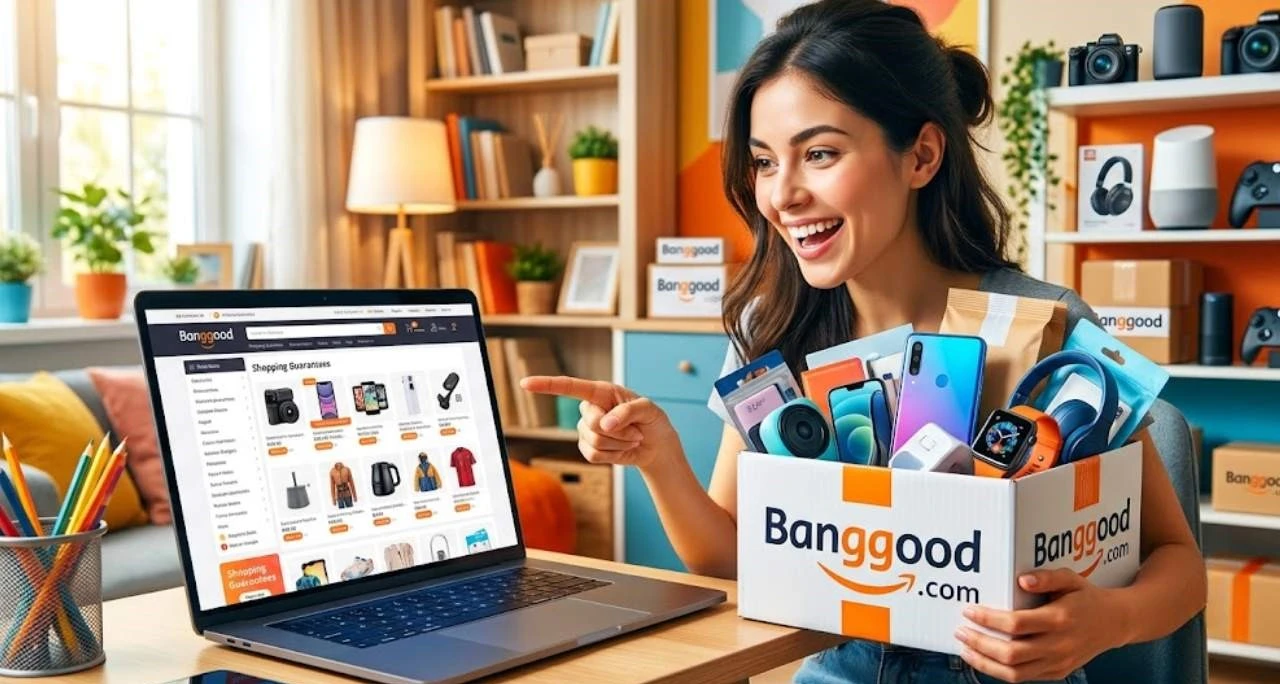
The Ultimate Banggood Buying Guide for Smart Online Shoppers
Banggood is a global online marketplace known for budget-friendly electronics, gadgets, home goods, and hobbyist products. This ultimate buying guide explains how Banggood helps smart online shoppers find great deals—covering seller ratings, product authenticity checks, shipping options (including warehouses and tracked shipping), buyer protections, coupon stacking tactics, and tips to avoid common pitfalls like long delivery times or unclear return policies.
Table of Contents
ToggleIntroduction
Banggood is a global e-commerce platform that connects buyers directly with manufacturers and suppliers, mostly from China, offering millions of products across electronics, gadgets, home essentials, fashion, tools, and more. Unlike traditional retail stores, it works on a direct-to-consumer model, which means fewer middlemen and often lower prices for shoppers. This structure makes it especially attractive for people looking for budget-friendly alternatives to Amazon or local marketplaces.
The platform operates through a massive network of suppliers and warehouses spread across multiple countries. When a customer places an order, Banggood either ships it directly from a supplier or dispatches it from a nearby warehouse if available. This hybrid system allows the platform to maintain competitive pricing while improving delivery efficiency in certain regions.
History and Background of Banggood
Banggood was founded in 2006 in Guangzhou, China, and has grown into a major global e-commerce brand with millions of registered users worldwide . Over the years, it expanded its product catalog to include more than a million items across dozens of categories. Its growth strategy has been heavily focused on international markets, particularly Europe, Asia, and North America.
What makes Banggood stand out historically is its early adoption of cross-border e-commerce long before it became mainstream. The company invested heavily in logistics infrastructure, including overseas warehouses, which helped it compete globally. Today, it continues to evolve as a budget-friendly shopping destination for tech enthusiasts and deal hunters.
Why Smart Shoppers Use Banggood
Smart shoppers are always looking for value, and Banggood delivers exactly that through aggressive pricing and frequent discount campaigns. One of the biggest reasons users flock to the platform is the ability to purchase trending gadgets and electronics at significantly lower prices compared to local retailers.
Another advantage is the platform’s global sourcing model. Instead of relying on a single supply chain, Banggood partners with thousands of manufacturers. This creates intense price competition among suppliers, which often benefits the end consumer.
Product Variety and Pricing Strategy
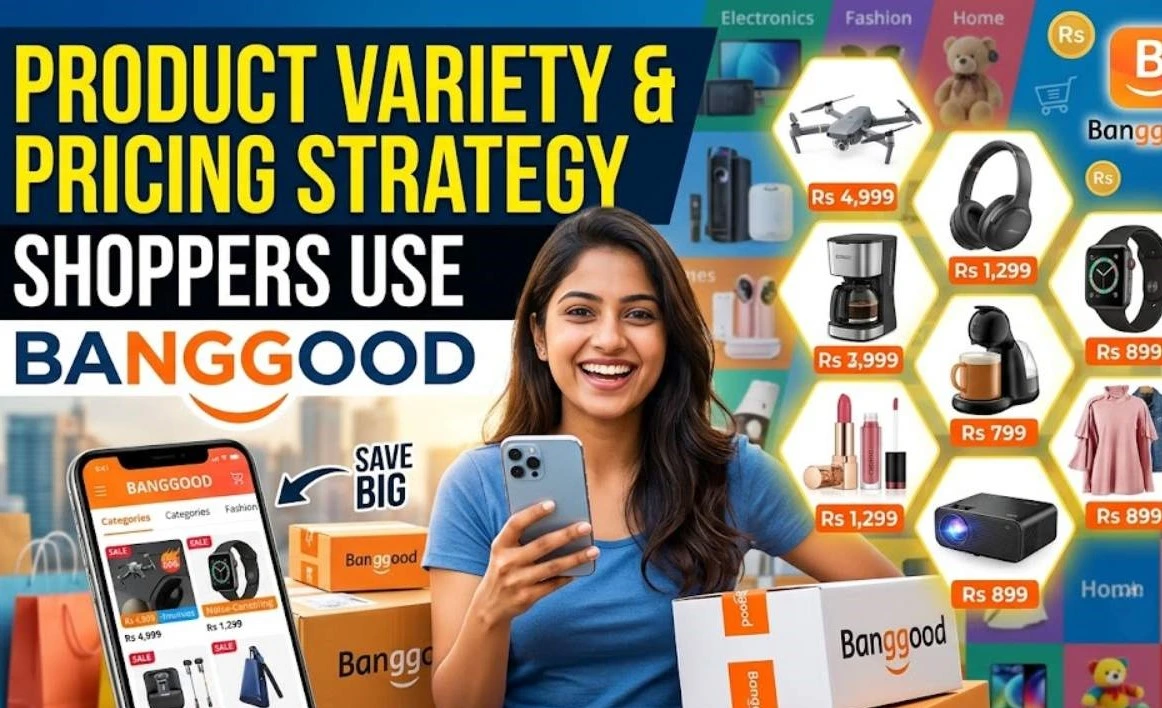
Product Variety
Banggood’s catalog covers everything from drones and smartphones to kitchen appliances and fashion accessories. Because products come directly from manufacturers, prices are often lower than traditional retail stores. However, this also means quality can vary between listings, so careful selection is essential.
Global Warehouse Advantage
One of Banggood’s most powerful features is its global warehouse system. With warehouses in regions like the US, UK, and Europe, certain products can be delivered much faster than standard international shipping. This reduces waiting time significantly, especially for high-demand items.
Is Banggood Safe and Legit?
Yes, Banggood is a legitimate e-commerce company with millions of users globally. It is not a scam platform, but like many large marketplaces, the experience can vary depending on the seller, product type, and shipping route. Many users report successful purchases, while others highlight issues such as delayed shipping or customer service challenges.
The key to safe shopping on Banggood is understanding how international e-commerce works. You are often dealing with third-party manufacturers, and quality control depends heavily on product reviews and ratings.
Real User Experiences and Trust Factors
User feedback from global communities shows mixed but generally positive experiences. Many shoppers confirm receiving authentic and functional products, especially electronics and accessories. However, some users mention slow shipping times or complicated return processes. This makes research before purchase extremely important.
The smartest approach is to always check:
- Product ratings and reviews
- Seller reputation
- Price realism (too cheap can be risky)
- Warranty or return availability
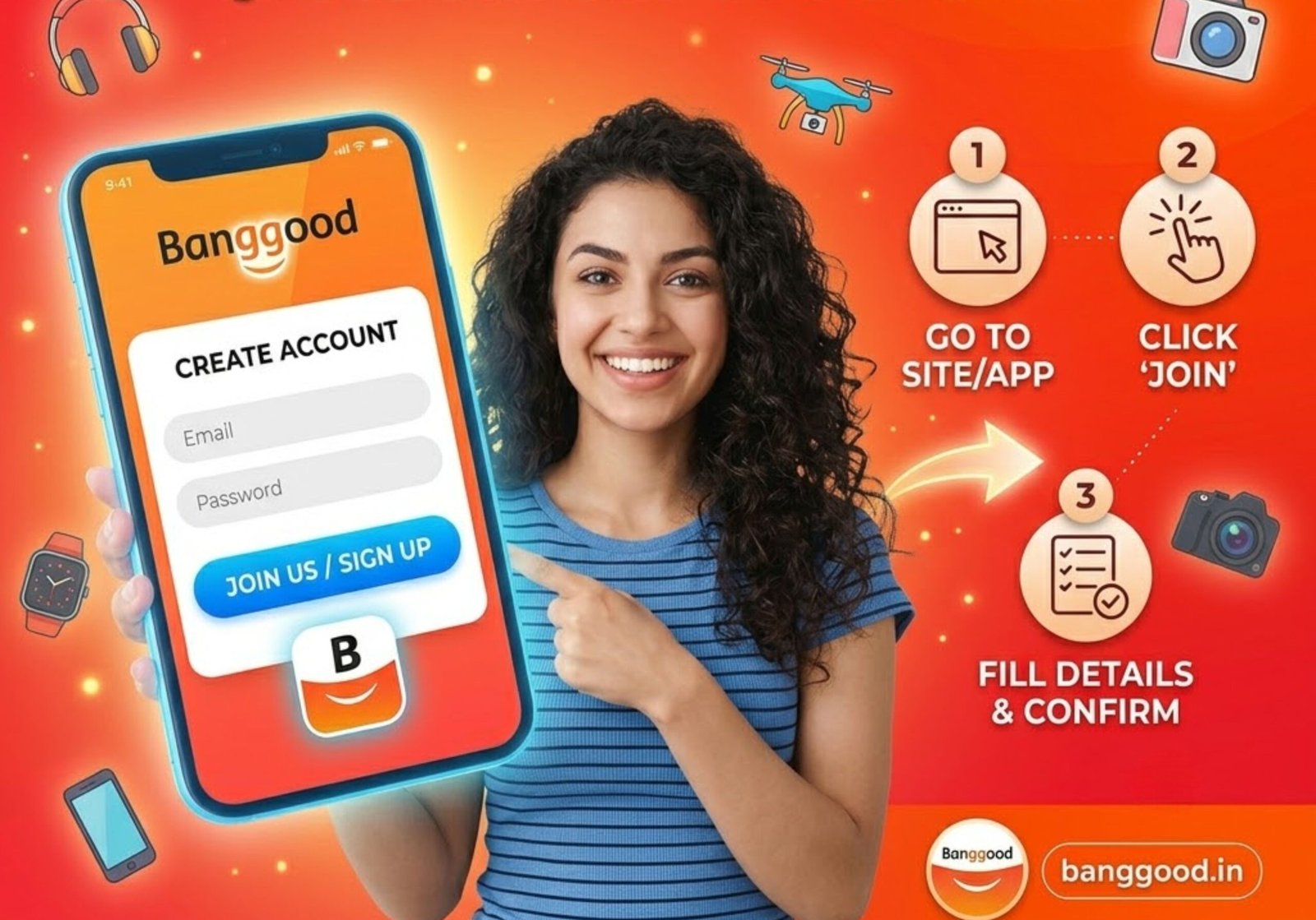
How to Create a Banggood Account
Creating an account on Banggood is simple and takes only a few minutes. You can sign up using an email address or social login options. Once registered, users can track orders, save wishlists, and access exclusive discounts. After signing up, it’s recommended to complete your profile by adding shipping details and preferred currency. This helps streamline checkout and reduces errors during ordering.
Navigating the Banggood Platform
The platform is designed with a user-friendly interface, making it easy for beginners to browse products. Categories are clearly organized, and the search bar is powerful enough to filter millions of listings.
Categories and Search System
Products are divided into major categories such as electronics, home improvement, fashion, toys, and automotive. The search system allows keyword-based filtering, price sorting, and rating-based sorting, helping users find exactly what they need quickly.
How to Find the Best Deals on Banggood
Finding deals on Banggood is all about timing and strategy. The platform frequently runs flash sales, seasonal discounts, and app-exclusive promotions. Smart shoppers often wait for big sale events like anniversary deals or global shopping festivals. Another trick is comparing multiple listings of the same product. Since multiple suppliers may offer similar items, prices can vary significantly.
Understanding Banggood Coupons and Discounts
Coupons are a major attraction on Banggood. They are available for new users, returning customers, and special promotions. These coupons can significantly reduce the final checkout price.
VIP Programs and Flash Sales
Banggood also offers VIP membership tiers that unlock extra benefits such as exclusive coupons, early access to deals, and reward points. Flash sales are time-limited events where selected products are heavily discounted for a short period, often creating urgency among buyers.
Payment Methods on Banggood
Banggood supports multiple secure payment methods including credit cards, PayPal, and regional payment gateways. This flexibility makes it accessible to global users. Security is generally strong, with encrypted transactions and buyer protection policies. However, users should always avoid suspicious third-party payment links outside the platform.
Shipping, Delivery Times, and Tracking
Shipping is one of the most discussed aspects of Banggood. Delivery times vary depending on product location, warehouse availability, and destination country. Items shipped from China typically take longer, while local warehouse items arrive faster.
Tracking numbers are provided for most orders, allowing customers to monitor their package journey in real time.
International Shipping Challenges
International shipping can sometimes involve delays due to customs clearance, local courier issues, or peak season congestion. This is a normal part of cross-border e-commerce and not unique to Banggood.
Return Policy and Customer Support Tips
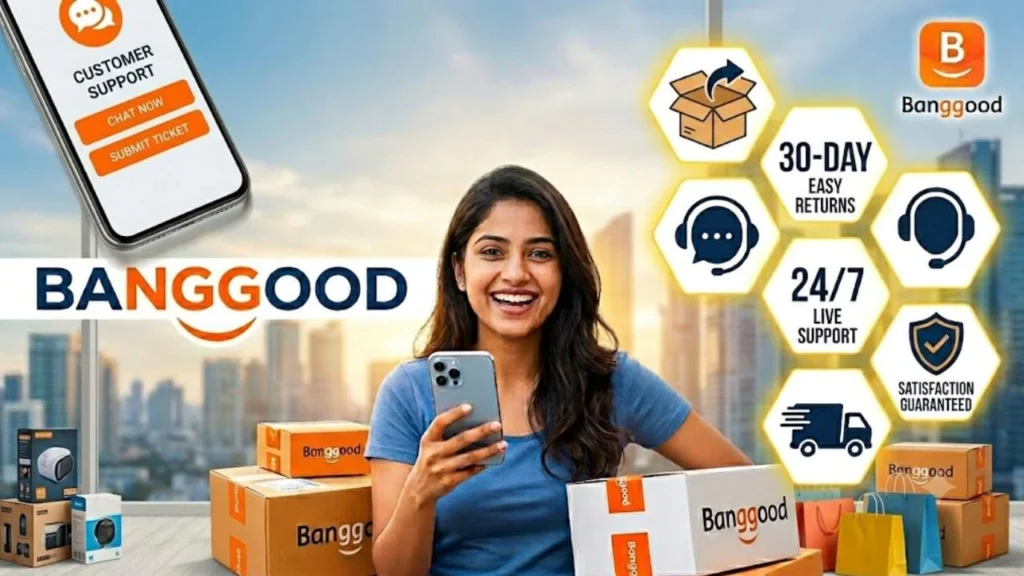
Banggood offers a return and refund policy, but the process may vary depending on the product and issue. Some items may require proof of defect, while others may qualify for partial refunds. Customer support is available through live chat and email. Response times can vary, so patience is often required when resolving issues.

Common Mistakes to Avoid When Buying on Banggood
Many new users make avoidable mistakes when shopping on Banggood. The most common include:
• Ignoring product reviews
• Buying extremely cheap, unrealistic deals
• Not checking shipping times
• Skipping warranty details
• Not verifying seller credibility
Avoiding these mistakes significantly improves your shopping experience and reduces risk.
Conclusion
Banggood has become a major global destination for affordable online shopping, especially for electronics and lifestyle products. While it offers incredible deals and wide product variety, success on the platform depends on smart buying habits. Understanding shipping, verifying sellers, and reading reviews can make a huge difference in satisfaction. For shoppers willing to do a bit of research, Banggood can be a powerful tool for saving money and discovering unique products.
Frequently Asked Question
A. Yes, it is a legitimate global e-commerce platform, but product quality varies by seller.
A. It usually takes 7–30 days depending on location and warehouse selection.
A. Yes, but refund conditions depend on the product type and issue reported.
A. Most products are genuine, but buyers should always check reviews and seller ratings.
A. It depends on preference; Banggood often has better deals on electronics, while AliExpress has more sellers and variety.
Related Post