
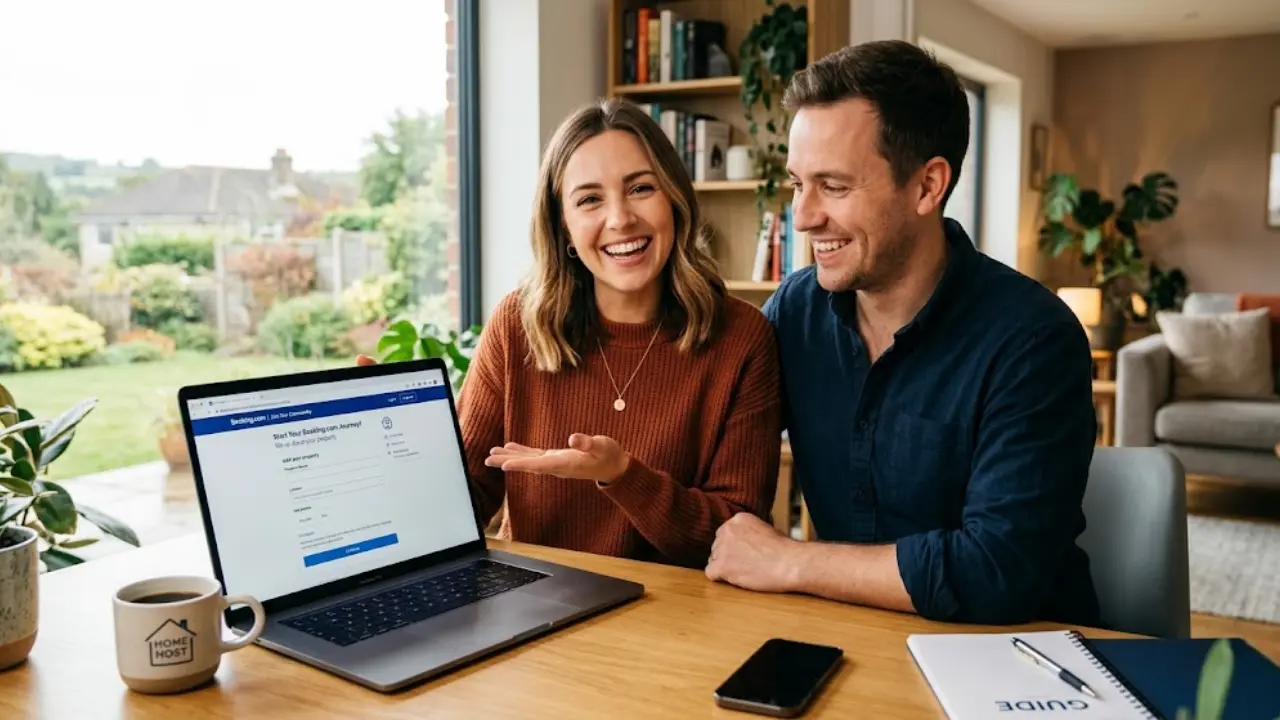
Booking.com New Property Sign Up: A Complete Step-by-Step Guide for Beginners
Booking.com New Property Sign Up is a beginner-friendly guide that explains how to register your property, complete the setup, and get it ready for guests on Booking.com. It walks readers through the key steps to create a listing smoothly and start attracting bookings.
Table of Contents
ToggleIntroduction
If you’ve ever thought about turning your property into a steady income stream, Booking.com is one of the easiest places to start. Whether you own a small apartment, a villa, or even a guest house, listing your property on this global platform opens the door to millions of travelers searching for accommodation every day. It’s not just about visibility—it’s about tapping into a massive, ready-to-book audience that spans across continents.
Here’s something that might surprise you: Booking.com reports that over 29 million listings already exist on its platform, and nearly 45% of hosts receive their first booking within a week of going live. That means if your listing is done right, you could start earning faster than you expect. Sounds exciting, right?
But here’s the catch—many beginners struggle not because the platform is complicated, but because they don’t follow the process correctly. Think of it like building a house: if your foundation (your listing setup) isn’t strong, everything else falls apart. That’s exactly why this guide exists—to walk you through every step, from sign-up to your first booking, in a way that actually makes sense.
Why Choose Booking.com for Listing Properties
Imagine opening a shop on the busiest street in the world—that’s essentially what listing on Booking.com New Property Sign Up feels like. The platform attracts billions of users globally, making it one of the most powerful travel marketplaces today. According to recent data, 1 in every 3 room nights booked in 2024 was a holiday rental, showing how rapidly alternative accommodations are growing.
Another huge advantage? Flexibility. Unlike some platforms that restrict your control, Booking.com allows you to choose how you want to operate. You can accept instant bookings or manually approve guests through “Request to Book.” You also get access to tools like calendar syncing, guest messaging, and automated payments—all designed to simplify your workflow.
And let’s talk about security. Booking.com offers up to $1 million in property damage protection and liability coverage, which gives peace of mind to new hosts who worry about risks. It’s like having a safety net while you learn the ropes.
Key Benefits for New Hosts
Starting something new can feel overwhelming, but Booking.com New Property Sign Up removes a lot of the friction. First, the sign-up process is completely free—no upfront costs, no hidden charges. That alone makes it attractive for beginners who want to test the waters without financial risk.
Second, the platform handles payments for you. That means you don’t have to chase guests for money or worry about fraud. Booking.com ensures secure transactions and even provides daily payouts at check-in, helping you maintain a steady cash flow.
Another underrated benefit is the “New to Booking.com” label. When you first list your property, this tag helps you stand out in search results. It’s like getting a spotlight in a crowded room—perfect for grabbing early attention and securing those crucial first bookings.
Booking.com New Property Sign Up
1. Understanding Booking.com Partner Program
Before diving into the sign-up process, it’s important to understand how the Booking.com New Property Sign Up partner ecosystem works. Essentially, when you list your property, you become a “partner,” gaining access to the platform’s extranet—a dashboard where you manage everything from pricing to guest communication.
The system is designed to guide you step by step. Even if you’re someone who struggles with digital tools, the onboarding process is intuitive and beginner-friendly.
Types of Properties You Can List
Booking.com isn’t just for hotels. You can list almost any type of accommodation, including:
- Apartments
- Villas
- Holiday homes
- Guest houses
- Bed & Breakfasts
- Boutique hotels
Each property type comes with its own setup structure. For example, hotels may have multiple room types, while apartments usually have a single unit. Understanding this difference is crucial because it affects how you configure your listing.
Eligibility Requirements
The good news? There are very few restrictions. You don’t need to own a luxury property or a massive hotel. Even a single room can be listed, as long as it meets basic hospitality standards.
However, you will need:
- A valid email address
- Accurate property details
- Legal permission to rent the property
- Bank account for payments
Think of these as your entry ticket into the hosting world.

Booking.com Sign Up Process
Now let’s get into the heart of this guide—the actual process of listing your property.
Create Your Account
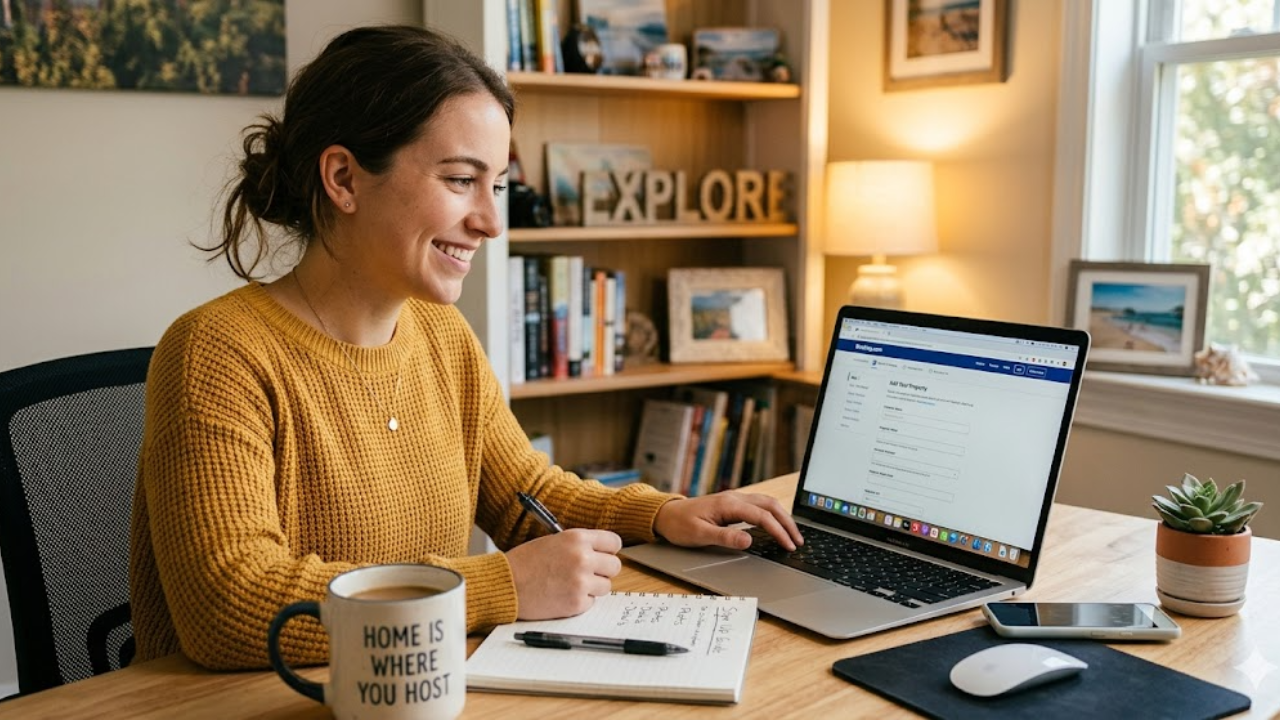
Start by visiting the Booking.com New Property Sign Up partner registration page. Enter your email address, verify it using a code, and create your account. This step is similar to signing up for any online service—quick and straightforward.
Once your account is created, you’ll gain access to the extranet dashboard.
Enter Property Details
Here’s where things get real. You must submit comprehensive details regarding your property, such as: Location
- Property type
- Number of rooms
- Facilities
Accuracy is key here. Think of this section as your property’s identity card. If the details are incomplete or incorrect, it can hurt your visibility and credibility.
Add Rooms and Pricing
Next, you’ll define your room types and set pricing. This step can feel tricky, especially if you’re new. But don’t overthink it—start with competitive pricing based on similar listings in your area.
Booking.com also allows flexible pricing models, including:
- Per night rates
- Seasonal pricing
- Discounts
This flexibility helps you adapt quickly to market demand.
Upload Photos and Amenities
More than anything else, photos are your first impression. A well-lit, high-quality image can significantly increase your booking rate.
Upload multiple photos covering:
- Bedrooms
- Bathrooms
- Living areas
- Exterior views
Also, list amenities like Wi-Fi, parking, and air conditioning. These small details can make or break a Booking.com New Property Sign Up decision.
Set Policies and Availability
Policies define how your property operates. You’ll need to set:
- Check-in and check-out times
- Cancellation policies
- House rules
Availability is equally important. Make sure your calendar is accurate to avoid overbookings. Booking.com New Property Sign Up even allows calendar syncing with other platforms to simplify management.
Complete Registration and Go Live
Once everything is filled in, you can publish your listing. In some cases, Booking.com may require verification before your property goes live.
After approval, your property becomes visible to millions of users worldwide—and that’s when the real journey begins.
Documents & Verification Process
Verification ensures trust and safety on the platform. You may be asked to submit:
- Identity proof
- Property ownership documents
- Tax information
The process is usually quick, but delays can happen if details are incorrect. So double-check everything before submission.

Optimizing Your Property Listing
Getting listed is just the beginning. Optimization is what drives bookings.
Writing SEO-Friendly Descriptions
Writing SEO-Friendly Descriptions
Your property description should be clear, engaging, and keyword-rich. Instead of saying “Nice apartment,” describe the experience:
See the difference? One sells, the other doesn’t.
Pricing Strategy for Beginners
Pricing is like a balancing act. Too low, and you lose profit.
Set competitive prices at first, then modify them in response to feedback and demand.
Booking.com Fees and Payments
Booking.com operates on a commission model. You only pay when you get bookings, which reduces financial risk.
Commission Structure
Typically, commissions range between 10% to 25%, depending on location and property type.
Payment Methods Explained
You can choose:
- Direct payments from guests
- Payments managed by Booking.com
The latter is often easier for beginners, as it handles transactions automatically.
Common Mistakes to Avoid
Many beginners make avoidable errors that hurt their performance.
Incomplete Listings
Missing photos, vague descriptions, or incorrect details can reduce visibility and trust.
Poor Pricing Decisions
Setting unrealistic prices is one of the fastest ways to lose potential bookings.
Tips to Get Your First Booking Faster
Getting that first Booking.com New Property Sign Up is like breaking the ice—it sets everything in motion.
Leveraging Promotions
Offer discounts for the first few Booking.com New Property Sign Up. This increases visibility and encourages guests to choose your property.
Using Reviews Effectively
Positive reviews build trust. Focus on delivering a great guest experience to earn strong ratings.
Conclusion
Starting your journey as a host on Booking.com is easier than it seems—if you follow the right steps. From creating your account to optimizing your listing, every stage plays a crucial role in your success. The platform provides powerful tools, global exposure, and financial security, making it an excellent choice for beginners.
Think of your listing as a digital storefront. With the right strategy, your property can quickly go from “just listed” to “fully booked.”
Frequently Asked Question
A. Yes, signing up and listing your property is completely free. Only when you get reservations do you pay a commission.
A. Many hosts receive their first booking within a week, depending on pricing and listing quality.
A. Yes, you can manage multiple properties through a single account dashboard.
A. It depends on local regulations. Some locations require licenses or permits.
A. Focus on competitive pricing, high-quality photos, and excellent guest reviews.
Related Post