

What Is MYOB? A Complete Guide for Small Business Owners in 2026
MYOB is a trusted accounting and business management software built to help small business owners handle invoicing, payroll, tax, and day-to-day finances with greater ease. This guide explains what MYOB is, how it works, and why it remains a practical choice for small businesses in 2026 that want to stay organized, compliant, and in control of their money.
Table of Contents
ToggleIntroduction
MYOB is one of those business tools that quietly powers thousands of small and medium enterprises without much attention from the outside world. Yet, for business owners, it often feels like the backbone of financial organization. At its core, MYOB is accounting software designed to simplify bookkeeping, payroll, tax management, and financial reporting. Instead of juggling spreadsheets, receipts, and manual calculations, businesses can centralize everything in one system that updates in real time. MYOB steps in as a digital assistant that reduces errors and saves time. It is widely used in regions like Australia and New Zealand, but its influence has expanded globally as cloud accounting becomes the norm. Think of it as a financial control center where every rupee, dollar, or expense is tracked automatically, helping owners make smarter decisions without needing deep accounting expertise.
What MYOB Means
MYOB stands for “Mind Your Own Business,” which perfectly reflects its purpose—helping entrepreneurs focus on growth while the software handles financial complexity. The system works by integrating multiple financial operations into a single dashboard. When a transaction occurs, whether it’s an invoice payment or an expense entry, MYOB records it instantly and updates financial reports in real time.
How MYOB Works
What makes MYOB powerful is its automation. Instead of manually entering data, users can link bank accounts, payment gateways, and payroll systems. The software then categorizes transactions automatically using predefined rules. This reduces human error and ensures accuracy in financial reporting. Another key aspect is cloud accessibility. Business owners no longer need to be in the office to check their financial status. Whether using a laptop or mobile device, MYOB provides access anywhere. It is designed for both beginners and professionals, offering guided workflows for those new to accounting and advanced tools for experienced accountants.
History of MYOB Software
MYOB has a long history that dates back to the early days of desktop accounting software. It originally emerged as a solution for small businesses struggling with manual bookkeeping systems. Over time, as technology evolved, MYOB transitioned from desktop-based software to cloud-based platforms, aligning itself with modern business needs.
In its early stages, MYOB focused mainly on accounting and basic bookkeeping features. However, as competition increased and digital transformation accelerated, the software expanded its ecosystem. Payroll, tax compliance, and inventory management were gradually integrated. This evolution allowed MYOB to remain relevant even as competitors like QuickBooks and Xero entered the market.
By 2026, MYOB has become a full-fledged business management suite rather than just accounting software. Its development reflects a broader shift in business tools—from simple record-keeping applications to intelligent financial ecosystems powered by automation and analytics.
1. Accounting & Bookkeeping
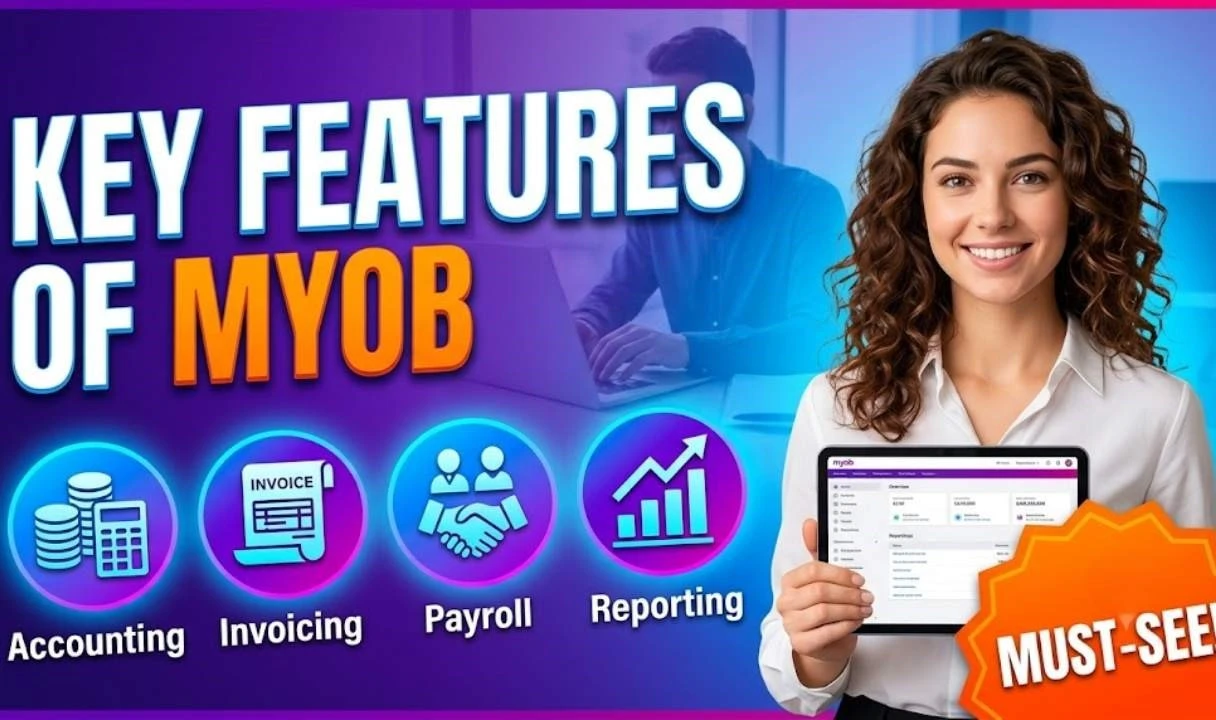
The accounting module is the heart of MYOB. It allows businesses to track income, expenses, assets, and liabilities in real time. Every transaction is categorized automatically, reducing the need for manual bookkeeping. Financial statements such as profit and loss reports, balance sheets, and cash flow statements are generated instantly.
2. Payroll Management
Payroll is often one of the most complicated aspects of running a business, but MYOB simplifies it significantly. The system calculates employee salaries, deductions, and taxes automatically. It also ensures compliance with labor laws and generates payslips digitally. This reduces administrative workload and minimizes payroll errors, which can be costly for businesses.
3. Tax Compliance Tools
Tax regulations are constantly changing, and staying compliant can be stressful. MYOB helps businesses stay up to date by automatically calculating tax obligations based on local rules. It also generates tax-ready reports, making it easier to file returns without last-minute confusion or errors.
4. Invoicing & Billing
MYOB allows businesses to create professional invoices in minutes. Users can customize templates, send invoices electronically, and track payment status in real time. Automated reminders help reduce late payments, improving cash flow and financial stability.
Benefits of Using MYOB for Small Businesses
One of the biggest advantages of MYOB is time savings. Instead of spending hours on manual bookkeeping, business owners can focus on operations and growth. Automation reduces repetitive tasks and ensures data accuracy, which is essential for financial planning.
Another major benefit is improved decision-making. Since MYOB provides real-time financial data, business owners can quickly identify trends, monitor cash flow, and make informed decisions. It also improves transparency, allowing teams and accountants to collaborate more effectively.
Cost efficiency is another key advantage. By reducing dependency on manual labor and external accounting services, businesses can lower operational costs. Additionally, MYOB enhances compliance, reducing the risk of penalties due to incorrect tax filings or payroll errors.
MYOB Pricing and Plans Overview
MYOB offers multiple pricing tiers designed to suit different business needs. Entry-level plans are typically aimed at freelancers and small startups, while advanced plans cater to medium-sized businesses with complex financial requirements.
Most plans operate on a subscription basis, which includes cloud access, updates, and customer support. Higher-tier plans include advanced features such as multi-currency support, inventory management, and deeper analytics.
Although pricing may vary depending on region and features, MYOB generally positions itself as a mid-range solution—more powerful than basic accounting tools but still affordable compared to enterprise-level ERP systems.

Key Functional Capabilities Beyond Accounting
Beyond traditional accounting, MYOB offers several advanced capabilities that enhance business management. These include inventory tracking, job costing, expense management, and financial forecasting.
Inventory tracking helps businesses monitor stock levels in real time, preventing overstocking or shortages. Job costing allows service-based businesses to track profitability per project. Expense management ensures that every business cost is categorized and monitored efficiently. Financial forecasting tools use historical data to predict future performance. This helps businesses plan budgets, allocate resources, and prepare for seasonal changes. These capabilities turn MYOB into more than just accounting software—it becomes a strategic business tool.
Top Benefits of Using Save A Train for Hassle-Free Travel Planning
Booking.com New Property Sign Up: A Complete Step-by-Step Guide for Beginners
What Makes Superdry (UK) Stand Out in the Competitive Fashion Industry?
Top Benefits of Shopping on AliExpress for Budget-Conscious Buyers
Why ABIBY is Becoming Popular Among Beauty and Skincare Lovers
MYOB vs Competitors (QuickBooks, Xero)
When comparing MYOB with competitors like QuickBooks and Xero, the differences often come down to usability, pricing, and regional strength.
Feature | MYOB | QuickBooks | Xero |
Ease of Use | Moderate | High | High |
Payroll | Strong | Moderate | Moderate |
Tax Tools | Strong | Strong | Strong |
Cloud Access | Yes | Yes | Yes |
Best For | SMEs in AU/NZ | Global SMEs | Cloud-first businesses |
MYOB is often preferred in regions where tax compliance rules are complex and require detailed reporting. QuickBooks is known for its simplicity, while Xero focuses heavily on cloud collaboration and integrations. Choosing between them depends on business size, location, and operational needs.
How to Set Up MYOB
Setting up MYOB is designed to be straightforward, even for beginners. The process begins with creating an account and selecting the appropriate subscription plan based on business needs.
Step-by-step setup
Once the account is created, users can enter basic business details such as company name, tax registration, and financial year settings. The next step involves connecting bank accounts and importing existing financial data. MYOB provides guided templates to help users set up charts of accounts and configure tax settings correctly.
After setup, users can begin adding customers, suppliers, and employees. The system then becomes fully operational, allowing real-time transaction tracking. While initial setup may take some time, the long-term benefits far outweigh the effort.
Common Challenges and Solutions
Despite its advantages, MYOB is not without challenges. One common issue is the learning curve for beginners unfamiliar with accounting concepts. While the interface is user-friendly, understanding financial terminology can still be overwhelming.
Another challenge is integration complexity. Some businesses may struggle to connect MYOB with existing tools or systems. However, most of these issues can be resolved through setup guides or professional support.
Occasionally, users may also face syncing delays with bank feeds or payroll systems. Regular updates and proper configuration usually resolve these problems. With proper onboarding and training, most challenges become manageable over time.
Tips to Maximize MYOB Efficiency
To get the most out of MYOB, businesses should focus on automation and regular maintenance. Setting up automated bank feeds ensures that transactions are recorded without manual input. Creating consistent categories for expenses also improves reporting accuracy.
Regular reconciliation of accounts helps maintain financial accuracy and prevents discrepancies. It is also beneficial to use reporting tools frequently to monitor performance trends.
Training staff to use MYOB effectively can significantly improve productivity. When everyone understands the system, financial operations become smoother and more reliable.
MYOB for Different Business Types
MYOB is versatile enough to support various industries. Retail businesses use it for inventory management and sales tracking. Service-based businesses rely on it for invoicing and job costing. Freelancers use it for simplified bookkeeping and tax tracking.
Manufacturing businesses benefit from its inventory and cost management features, while startups appreciate its scalability. As businesses grow, MYOB adapts to their changing needs without requiring a complete system overhaul. This flexibility makes it a popular choice across multiple sectors, especially for businesses looking for a long-term financial solution.

Future of MYOB in 2026
In 2026, MYOB continues to evolve with advancements in artificial intelligence and automation. Predictive analytics is becoming more prominent, helping businesses forecast revenue and expenses more accurately.
AI-powered categorization is reducing manual input even further, making accounting almost fully automated. Integration with fintech platforms and digital payment systems is also expanding, allowing seamless financial ecosystems. The future of MYOB lies in deeper automation and smarter decision-making tools. As businesses continue to digitize, MYOB is expected to play an even more central role in financial management.
Conclusion
MYOB has grown from a simple accounting tool into a comprehensive business management platform. It simplifies complex financial tasks, reduces errors, and provides real-time insights that help businesses grow efficiently. For small business owners, it acts like a silent partner that keeps finances organized while they focus on operations and strategy. As technology advances, MYOB continues to adapt, ensuring it remains relevant in the fast-changing business landscape of 2026.
Frequently Asked Question
A. Yes, MYOB offers guided setup and user-friendly dashboards that make it accessible even for those without accounting experience.
A. Yes, MYOB provides mobile apps that allow users to manage finances on the go.
A. Yes, it includes full payroll features such as salary calculation, tax deduction, and payslip generation.
A. It depends on business needs. MYOB is strong in compliance and payroll, while competitors may excel in simplicity or integrations.
A. Yes, modern versions of MYOB are cloud-based, allowing real-time access from anywhere.
Related Post