

Boost Your Online Presence With the Powerful Features of WP Engine
This post explores how WP Engine’s managed hosting platform can boost your online presence with enterprise-grade performance and reliability. Discover key WP Engine features like EverCache® technology for faster load times, global CDN integration, automated daily backups, and advanced security with malware scanning and DDoS protection. Learn how built-in staging environments, one-click migrations, and 24/7 WordPress expert support make it easier to manage, optimize, and grow your site—whether you’re a blogger, agency, or e-commerce brand.
Table of Contents
ToggleIntroduction
A strong online presence starts with a website that is fast, secure, reliable, and ready to grow. You can have excellent content, attractive branding, and a powerful marketing strategy, but none of it matters much if visitors struggle to load your pages or encounter downtime. This is why choosing the right WordPress hosting platform is an important part of digital growth. WP Engine is a managed WordPress hosting platform designed to help businesses improve website performance, security, scalability, and development workflows. Its platform includes features such as EverCache, global CDN delivery, automated backups, staging environments, security protection, managed updates, and developer tools. For businesses that depend on their website for traffic, leads, sales, or brand awareness, these features can provide a valuable foundation for long-term online success.
Why WordPress Hosting Matters for Your Online Presence
Your hosting provider works behind the scenes, but its impact can be visible to every website visitor. A slow website can frustrate users, increase abandonment, and make your business appear less professional. On the other hand, a reliable hosting environment can help pages load efficiently and keep your website available when customers need it. WP Engine focuses specifically on WordPress, allowing its infrastructure and tools to be optimized around the needs of WordPress websites.
For growing businesses, this managed approach can reduce the amount of technical maintenance required from internal teams. Instead of spending valuable time dealing with server configurations, backups, updates, and performance problems, businesses can concentrate more on content, marketing, customers, and growth. Hosting does not replace SEO or good website design, but it creates the technical foundation that allows those strategies to work effectively.
EverCache Helps Deliver Faster WordPress Websites
One of WP Engine’s major performance technologies is EverCache, its proprietary caching system designed specifically for WordPress websites. Caching helps reduce the amount of processing required to deliver frequently requested content, which can contribute to faster page delivery and a smoother browsing experience.
Think of caching like keeping your most popular products on a shelf near the checkout counter. Customers do not have to wait while someone searches through a large warehouse every time they want something. In the same way, effective caching allows frequently requested website resources to be delivered more efficiently.
Website speed is especially important for businesses receiving visitors from search engines, advertisements, social media, and email campaigns. When a visitor clicks an advertisement, you want the destination page to respond quickly rather than making the customer wait. WP Engine’s performance-focused infrastructure can help reduce that friction.
Global CDN for Visitors Around the World

A business may have customers in several countries, even when its website is hosted in a single location. Physical distance between the visitor and server can affect how quickly website resources are delivered. WP Engine addresses this through its global Content Delivery Network (CDN), which helps distribute content closer to users.
This can be particularly useful for international companies, online stores, publishers, travel websites, and SaaS businesses. When your audience is geographically diverse, website performance should not depend entirely on where your server happens to be located.
A CDN is not a replacement for website optimization, though. Large images, unnecessary scripts, poorly coded themes, and excessive plugins can still slow down a website. Combining CDN delivery with optimized images, efficient code, responsive design, and quality content creates a much stronger overall experience.
WP Engine Security Features Protect Your Website
Online visibility creates opportunities, but it also makes websites attractive targets for malicious activity. Security should therefore be considered part of your overall digital strategy rather than an optional technical feature.
WP Engine security includes several layers of protection designed to help defend WordPress websites. Its platform provides features such as managed firewall protection, DDoS mitigation, SSL/TLS security, threat detection, security monitoring, and automated security updates.
Security is particularly important for businesses that collect customer information, process transactions, publish valuable content, or depend heavily on their websites for revenue. A compromised website can damage customer trust and potentially disrupt marketing campaigns.
WP Engine’s managed approach can reduce some of the routine security responsibilities that website owners would otherwise need to handle themselves. Businesses should still use strong passwords, appropriate user permissions, reliable plugins, and good administrator security practices.
Automated Backups Make Recovery Easier
Even experienced developers can make mistakes. A plugin update can create a conflict, a developer can accidentally modify the wrong file, or a configuration change can cause unexpected problems. Reliable backups provide a safety net when these situations occur. WP Engine provides automated and manual backup options, allowing websites to be restored when necessary. Its support documentation describes backup checkpoints that can be used to recover previous versions of a website.
This is especially valuable for businesses with years of blog posts, product information, landing pages, customer data, and custom configurations. Without backups, recovering from a serious problem can become expensive and time-consuming. A good backup system is similar to an insurance policy. You hope you never need it, but when something goes wrong, having it can make an enormous difference.
Smart Plugin Manager Simplifies WordPress Updates
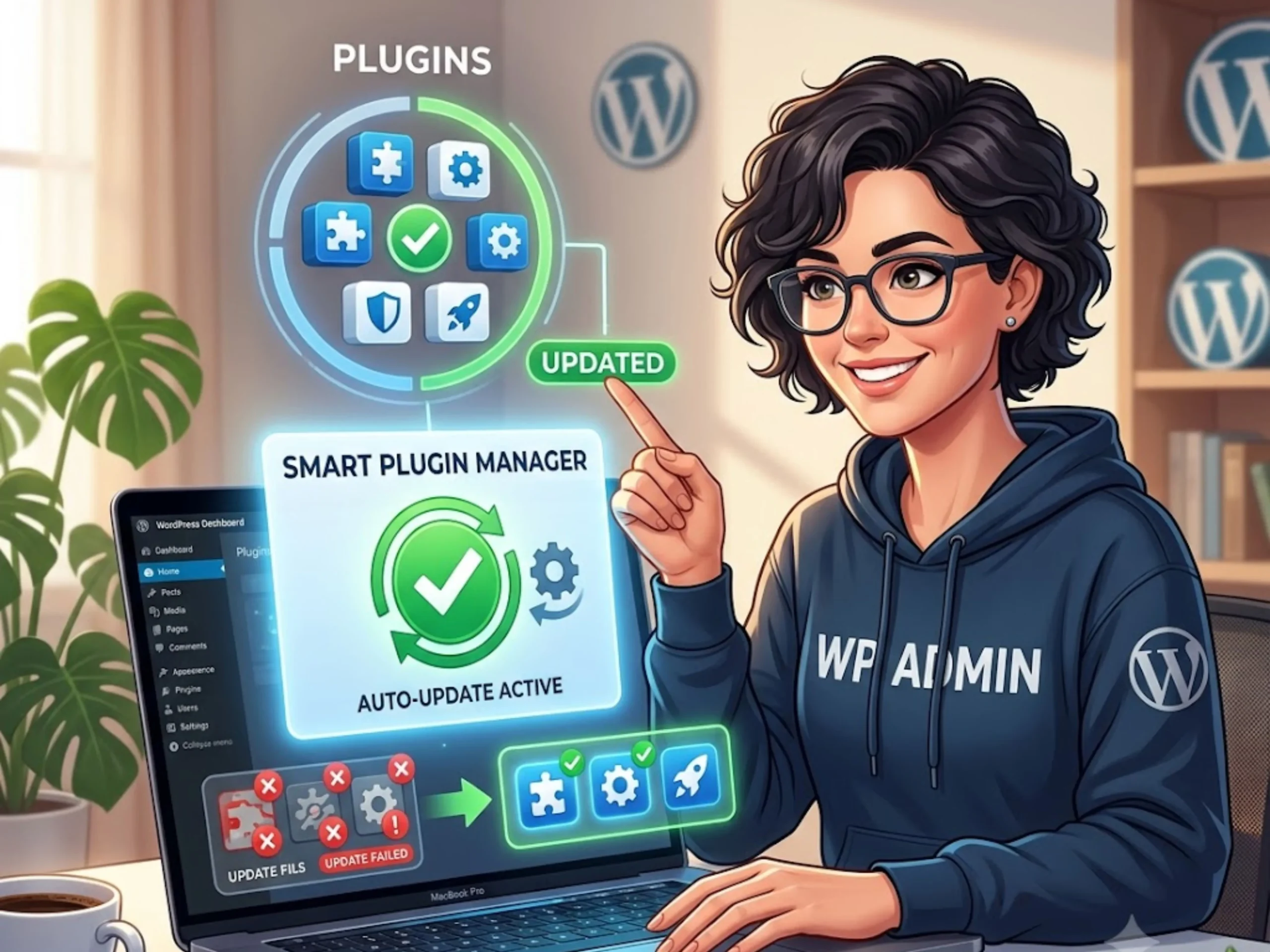
WordPress websites often rely on plugins to add functionality. However, keeping plugins updated can sometimes create compatibility issues. WP Engine’s Smart Plugin Manager is designed to automate plugin and theme updates while providing testing and rollback capabilities.
The system can use visual regression testing to identify changes that may occur after an update. When an issue is detected, rollback capabilities can help restore the previous version. This can save website owners from repeatedly checking every plugin manually. It is particularly useful for agencies and businesses managing multiple WordPress websites. Automation does not eliminate the need for human oversight, but it can make routine maintenance considerably easier.
Staging Environments Reduce Development Risks
Making major changes directly on a live website can be risky. If something breaks, visitors may immediately see the problem. WP Engine staging environments give developers a safer place to test changes before publishing them.
A staging website can be used to test a new theme, plugin, landing page, design update, or custom code. Once everything looks and works correctly, the changes can be moved toward production.
This workflow is valuable for marketing teams as well. Imagine preparing a major seasonal campaign and discovering that a new plugin has broken your contact form after the campaign has already launched. Testing beforehand can help prevent such surprises.
Staging effectively creates a rehearsal space for your website. You can experiment, identify problems, make improvements, and publish with greater confidence.
Developer Tools for Better WordPress Management
WP Engine is not designed only for non-technical website owners. Developers can use tools and workflows such as Git, SSH, SFTP, WP-CLI, MySQL, and development environments.
These capabilities are useful for agencies and companies with dedicated development teams. Developers can maintain code, test changes, manage databases, and work through familiar development processes while relying on WP Engine for much of the underlying hosting infrastructure. This combination of managed hosting and developer flexibility can make website projects easier to organize. Designers, developers, content teams, and marketers can each focus on their responsibilities without completely stepping into one another’s workflows.
How WP Engine Supports SEO and Core Web Vitals
Good SEO involves much more than keywords. Search engines consider numerous technical and user-experience factors, while visitors expect websites to work smoothly across different devices. WP Engine’s performance tools can contribute to a stronger technical foundation through caching, CDN delivery, optimized WordPress infrastructure, and other performance features. These capabilities can support efforts to improve Core Web Vitals and overall website responsiveness.
However, hosting alone cannot guarantee better rankings. Businesses still need useful content, strong keyword research, internal linking, mobile-friendly design, quality backlinks, proper technical SEO, and pages that satisfy search intent.
The best approach is to view hosting as one part of a larger SEO system. Fast infrastructure supports your SEO efforts, while your content and marketing strategy bring the actual value.
Scaling Your Website as Traffic Grows
Online success can create unexpected traffic spikes. A viral article, successful advertising campaign, product launch, or seasonal promotion can suddenly send thousands of additional visitors to your website. WP Engine‘s infrastructure is designed to support traffic growth and handle changing demand. This can provide peace of mind for businesses that depend on their websites during important campaigns.
Scalability matters because traffic problems can quickly become business problems. If your website becomes unavailable during a major promotion, customers cannot purchase products, submit forms, or learn about your services.
A hosting platform capable of supporting growth gives marketing teams more confidence to pursue larger campaigns.
Is WP Engine Worth It for Your Business?
Whether WP Engine is worth the investment depends on your website’s requirements. A small personal blog with minimal traffic may not need a premium managed WordPress environment. However, growing businesses, agencies, ecommerce stores, publishers, and organizations that depend heavily on their websites may benefit significantly from its feature set.
The value should be measured against more than the hosting price. Consider the cost of downtime, developer hours, security management, failed updates, performance problems, and data recovery. If a managed platform saves your team significant time while providing better reliability and performance, its higher hosting cost may make business sense.
How to Get More From WP Engine
Simply choosing WP Engine is not enough to maximize your website’s potential. Use staging environments before major changes, keep unnecessary plugins under control, monitor website performance, maintain strong security practices, and regularly review your site’s content and conversion paths.
You should also connect technical improvements to business goals. Track page speed alongside organic traffic, leads, conversions, sales, and engagement. A website should not only be technically impressive; it should help the business achieve measurable results.
When WP Engine’s infrastructure is combined with excellent content, effective SEO, conversion-focused design, and consistent digital marketing, it can become an important part of a broader online growth strategy.

Conclusion
A successful online presence requires more than simply having a WordPress website. Your site needs to be fast enough to keep visitors engaged, secure enough to protect your brand, reliable enough to support campaigns, and flexible enough to grow with your business. WP Engine brings many of these requirements together through managed WordPress hosting, EverCache, global CDN delivery, automated backups, staging environments, security features, developer tools, and automated plugin management. While no hosting provider can replace effective SEO, valuable content, or smart marketing, a strong hosting foundation can remove technical barriers that stand between your business and its audience.
For businesses serious about building a stronger digital presence, WP Engine can provide the performance, security, and management capabilities needed to create a more dependable WordPress experience. When those capabilities are combined with a clear marketing strategy, your website can become more than an online brochure—it can become a powerful engine for visibility, engagement, leads, and long-term growth.
Frequently Asked Question
A. Yes, WP Engine can provide a strong technical foundation for SEO through performance-focused infrastructure, caching, CDN delivery, staging, and managed WordPress services. However, rankings also depend on content quality, search intent, backlinks, technical SEO, and overall user experience.
A. WP Engine is built specifically for WordPress and uses technologies such as EverCache and CDN delivery to improve content delivery. Actual performance depends on factors such as themes, plugins, images, scripts, and website configuration.
A. Yes, WP Engine provides automated and manual backup options, giving website owners recovery points that can be used when problems occur.
A. WP Engine can be a good fit for growing businesses that need reliable WordPress hosting, security, performance optimization, backups, staging, and scalability.
A. Yes, WP Engine supports professional development workflows and tools such as Git, SSH, SFTP, WP-CLI, and staging environments, making it suitable for agencies and development teams.
Related Post